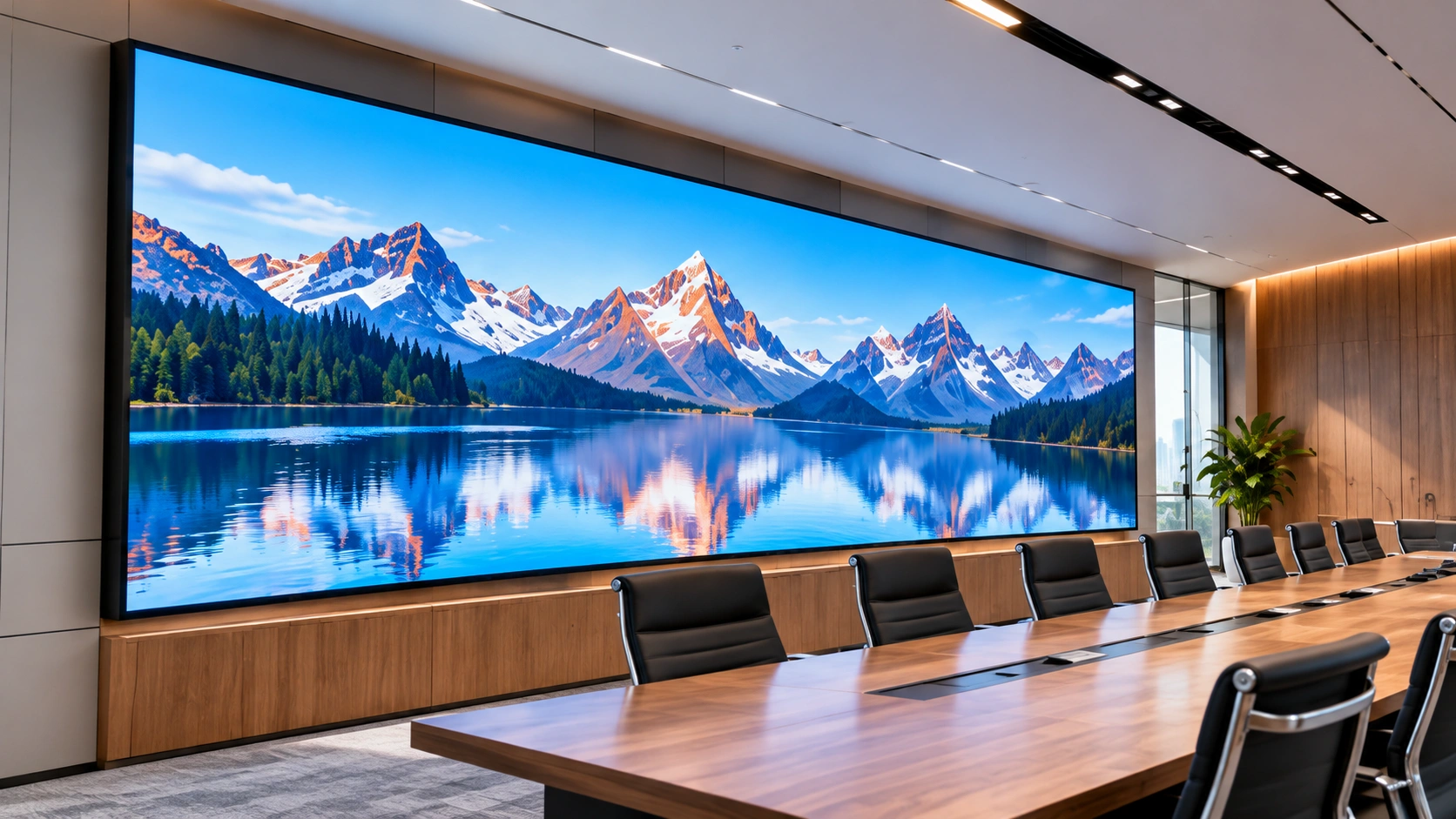
A stage led screen is not the same product as a lobby information display or a conference room monitor. Stage environments demand rapid assembly in unpredictable conditions, consistent color output under theatrical lighting, and physical durability across hundreds of load-in and load-out cycles. A panel that works perfectly in a permanent installation may fail on its third tour stop if it was not designed for portable use.
This guide covers the three areas that determine whether a stage display works in practice: how you lay out the screens on stage, what hardware specifications make a panel stage-ready, and how different event types change the configuration requirements.
1. Three Common Stage Backdrop Layouts
Before selecting hardware, decide how the screens will be arranged on stage. The layout determines cabinet quantity, mounting hardware, and signal distribution. Most stage screens fall into one of three configurations.
1.1 Three-Panel Layout: Center Main Screen with Side Screens
One large screen centered at the back of the stage, flanked by two smaller screens on each side. The center screen shows the main content. The side screens show complementary visuals, live camera feeds of performers, or sponsor logos.
This layout requires a video processor that supports multi-zone output. A single HDMI feed cannot drive three independent screens with different content. The processor must split one input into three mapped zones, or accept three separate inputs and route them to the correct panels.
The center screen benefits from a finer pixel pitch because text and close-up performer feeds look sharper. The side screens can use a slightly coarser pitch since the audience rarely reads text on them. Using identical panels across all three positions simplifies spare parts inventory, but mixing pitches can reduce total hardware cost.
1.2 Curved or Corner-Wrapped Backdrop
A curved stage backdrop wraps the rear of the stage in a concave arc or extends across a 90-degree corner. The audience sees a continuous visual field rather than three separate rectangles.
Curved configurations require cabinets with angle-adjustable locking mechanisms that allow adjacent units to pivot relative to each other. Standard flat-lock cabinets produce a straight line. For a true curve or corner wrap, each cabinet needs approximately 5 to 15 degrees of angular adjustment. Die-cast aluminum cabinets like the U-Rent series support this range and also allow 90-degree corner configurations, which a flat-lock system cannot achieve.
Content for curved backdrops must be mapped to account for the physical curve. Most modern video processors include geometry correction. Without this correction, straight lines in the source content will appear bent when displayed across the curve.
1.3 Creative Configurations: Floor-to-Backdrop, Suspended Arrays, and Mixed Shapes
Some productions combine multiple screen surfaces into a single visual system. Common examples include a floor screen that connects seamlessly to a vertical backdrop, creating a continuous L-shaped canvas. Or a suspended LED array above the stage that mirrors content shown on the ground-level backdrop.
These configurations require cabinets that support multiple mounting orientations. A panel that is rated only for vertical stacking cannot be safely flown overhead. Floor-rated panels need reinforced faces to withstand weight and foot traffic. Confirm each cabinet’s certified mounting orientation before designing a creative layout.
2. What Makes a Panel Stage-Ready
An led stage panel that works on a permanent wall will not survive a touring schedule. Stage use imposes four hardware requirements that fixed installations do not face.
2.1 Cabinet Weight and Single-Person Handling
Every kilogram matters when a crew lifts panels out of flight cases, onto mounting frames, and back into cases at 2 AM after the show. Die-cast aluminum cabinets weigh significantly less than steel-frame alternatives. A cabinet that one person can carry safely reduces labor cost and setup time across every event.
2.2 Tool-Free Assembly
Stage crews do not carry hex keys and screwdrivers onto a dark stage during load-in. Panels designed for stage use connect via quick-lock mechanisms that click into place with hand pressure. Vertical and horizontal alignment pins automatically center each cabinet relative to its neighbors. A 10-square-meter wall should assemble in under an hour with a crew of two.
2.3 Module-Level Front Maintenance
During a live show, a dead module cannot wait for intermission. If the panels are mounted against a wall or rigged on truss with no rear access, the failed module must be replaceable from the front. Magnetic module attachment allows a technician to pull the damaged unit and snap in a replacement in seconds. This feature is standard on touring-grade led for stage hardware. On fixed-installation panels it is often absent.
2.4 Refresh Rate and Camera Compatibility
Most stage productions are recorded or livestreamed. A screen with a refresh rate below 3,840Hz will show horizontal scan lines on camera. The effect is visible in both professional broadcast footage and smartphone videos posted to social media. Stage-specific panels run at 3,840Hz or higher to prevent this. Fixed-installation panels often run at 1,920Hz and scan on camera.
3. How Different Events Need Different Setups
The same hardware can be configured differently for different event types. A concert led screen setup for an outdoor festival looks nothing like a corporate keynote display, even if both use identical panel models.
3.1 Concerts and Music Festivals
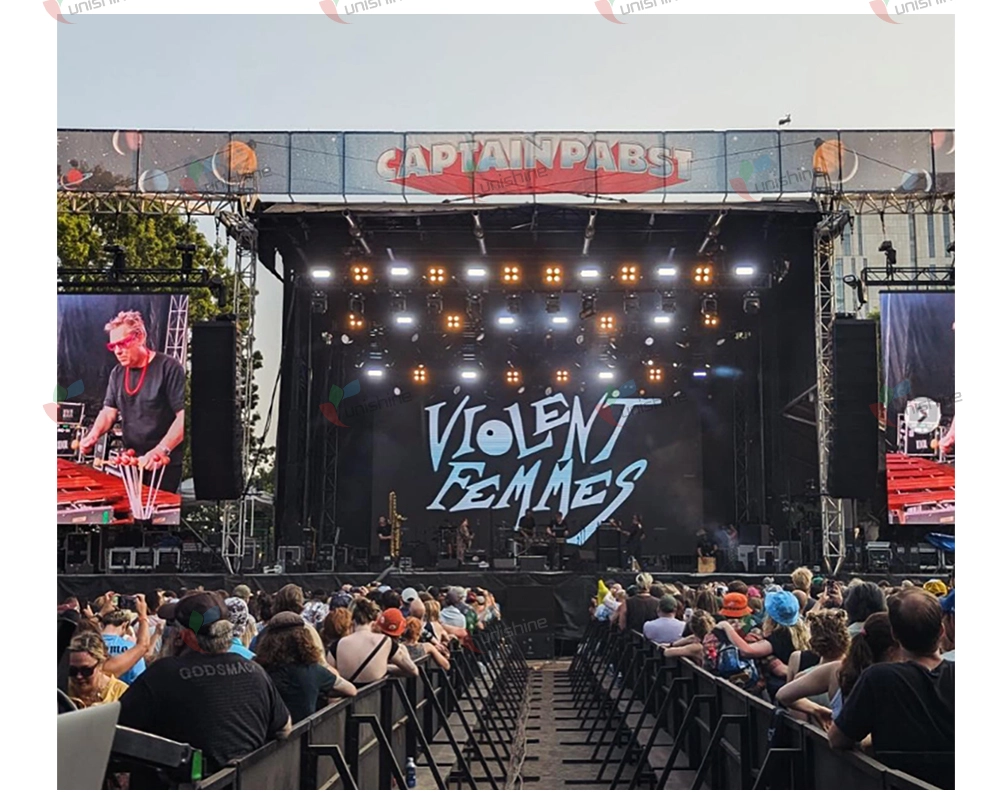
Concerts demand the highest brightness because stage lighting washes out screen output. Outdoor festival stage displays need 4,500 nits or more to remain visible under direct sunlight and against competing stage lights. Indoor concert venues can work with lower brightness but still need at least 1,500 nits when full stage lighting is active.
Concert setups also need the fastest assembly and disassembly. Touring crews move the same screens between cities on tight schedules. Cabinets must pack efficiently into flight cases with custom foam inserts. Weight limits are strict. Die-cast aluminum cabinets at 500×1000mm and under 12kg per unit are the practical ceiling for touring crews. The U-Rent series at 500×1000mm and 11.5kg per cabinet is designed for single-person handling, which keeps labor costs down across a multi-city tour.
For outdoor festivals, IP65-rated cabinets protect against rain and dust. Panels like the U-RP series, rated at IP65 front and rear with brightness at 4,000 nits, handle direct sunlight and weather exposure without additional protective enclosures.
3.2 Corporate Events and Keynotes
Corporate stages prioritize two things that concerts do not: text sharpness and silent operation.
A keynote slide with a spreadsheet or a product specification table must be readable from the back of the ballroom. This requires a finer pixel pitch than a concert where the screen mostly shows motion graphics and live camera feeds. For ballroom viewing distances of 5 to 15 meters, P2.6 to P3.9 is typical.
Noise is also a factor. Concert environments are loud. The hum of cooling fans on a screen is inaudible over a PA system. In a corporate ballroom during a CEO presentation, fan noise is noticeable and disruptive. Passive-cooled cabinets operating below 40dB are the standard for corporate stage use.
3.3 Worship and Church Productions
Church stages combine requirements from both categories. The screen must be sharp enough for lyrics and scripture text. It must run silently during quiet prayer and spoken word. And it must look visually consistent under a mix of natural window light and theatrical stage lighting.
Many churches also need to change the background appearance weekly to match sermon themes and liturgical seasons. A fixed stage backdrop that shows the same motion loop every Sunday limits creative options. Churches that plan to rotate content should budget for a content library covering the annual calendar: Advent, Christmas, Lent, Easter, and Ordinary Time. The hardware stays the same. The visuals do the seasonal work.
4. Common Mistakes When Setting Up Stage Displays
Not checking weight ratings on rigging points. A flown LED wall adds significant load to a truss or ceiling grid. Before hanging any panels, verify the rigging point’s load rating against the total cabinet weight plus the mounting frame. Overloaded points fail without warning.
Running a single signal path with no backup. If the video processor fails during a show and there is no redundant unit, the screen goes black. For any stage event where the screen is essential, budget for a backup processor and pre-configure it to take over within seconds. This is standard practice on touring productions. It is frequently skipped on one-off corporate events.
Buying indoor panels for outdoor use. Indoor panels lack weather sealing. Rain or condensation will damage the electronics. If any of your events take place outdoors, buy IP65-rated panels from the start. Weatherproofing indoor panels after purchase is not possible.
Treating flight cases as optional. Transporting led stage panel cabinets without proper flight cases will cause physical damage within a few moves. Foam-lined cases with individual cabinet slots are part of the hardware investment, not an accessory. Budget for them in the initial purchase.
5. Conclusion
Setting up a stage led screen involves three decisions: the backdrop layout that fits the stage geometry, the panel specifications that survive the event schedule, and the configuration adjustments that match each event type. A three-panel layout works for most productions. A curved backdrop adds visual depth. A creative configuration combining floor and background surfaces requires panels rated for multiple mounting orientations. The hardware that works for a permanent lobby display will fail on a touring schedule. Choose panels built for the specific demands of stage use: lightweight cabinets, tool-free connections, front-access modules, and high refresh rates for camera compatibility.
FAQ
What is the difference between a stage LED screen and a regular LED display?
Stage screens are built for portable use. They use lightweight cabinets with quick-lock mechanisms, have higher refresh rates for camera compatibility, and support front-access module replacement during live events. Regular LED displays are designed for permanent installation and lack these features.
What pixel pitch should a stage LED screen use?
For indoor venues with viewing distances of 5 to 15 meters, P2.6 to P3.9 is typical. For outdoor festivals with longer viewing distances, P3.9 to P4.8 works well. Choose the coarsest pitch that looks sharp from the closest audience row.
Why does refresh rate matter for stage screens?
Refresh rates below 3,840Hz produce visible scan lines when the screen is filmed or photographed. Since most stage events are recorded or livestreamed, stage screens run at higher refresh rates to prevent this.
Can indoor LED panels be used outdoors on stage?
No. Indoor panels are not sealed against moisture. Rain, condensation, or even high humidity will damage the electronics. Outdoor stage use requires IP65-rated cabinets.