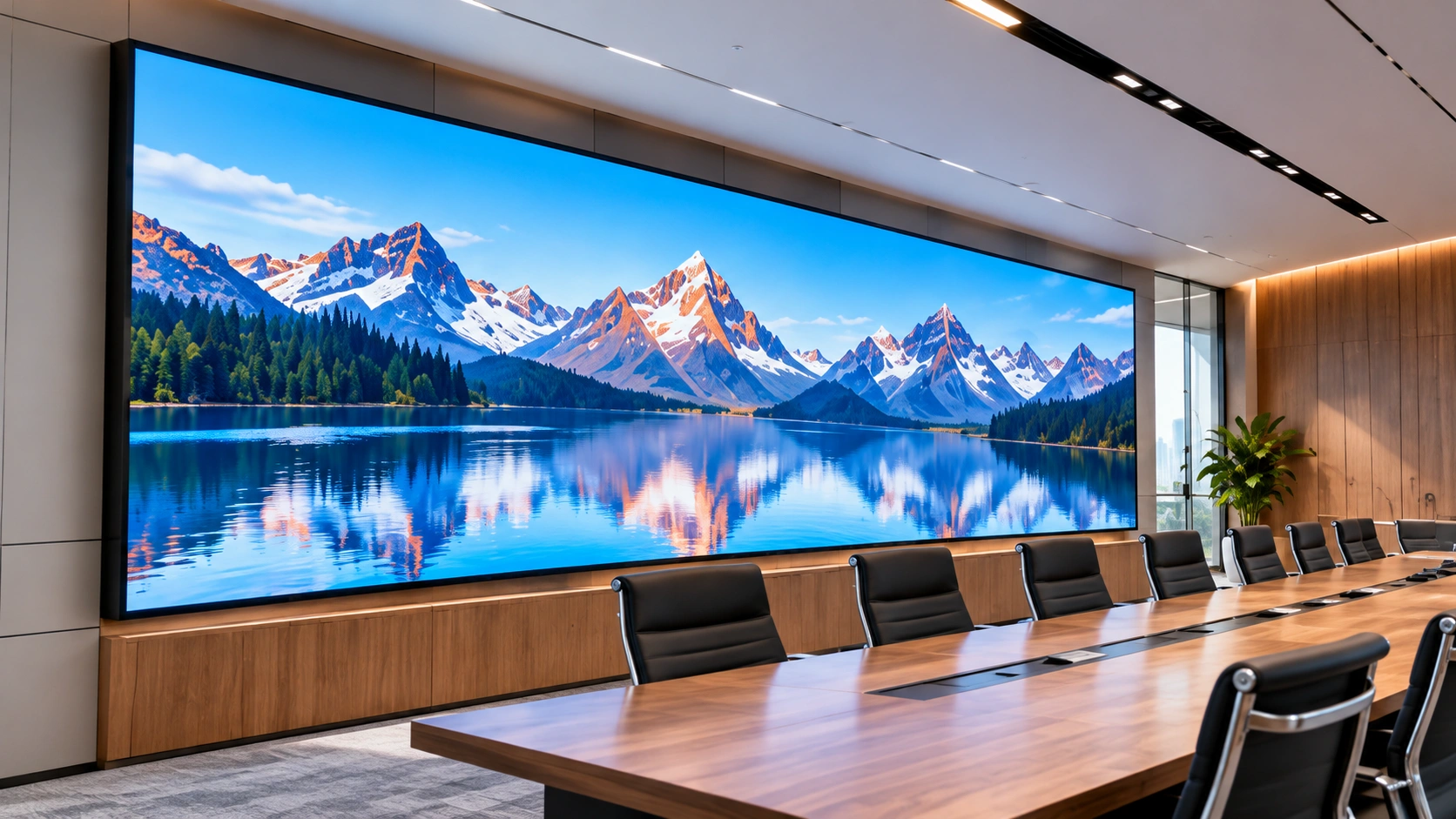
For decades, church backdrop decoration meant fabric draping, printed banners, wooden stage flats, and seasonal prop changes that consumed volunteer hours and storage space. A growing number of houses of worship have replaced this cycle with led walls for churches — dynamic display surfaces that serve as both the primary backdrop for Sunday worship and a flexible canvas for every season of the church calendar.
A church led video wall used as backdrop decoration is not the same product category as a corporate lobby display or a concert touring screen. The viewing distances, ambient lighting, acoustic requirements, and content needs are specific to sanctuary spaces. This guide walks through the technical decisions involved — layout configuration, pixel pitch, brightness, installation, and seasonal flexibility — so your committee can spec the right system rather than the most expensive one.
1. Four Common Backdrop Layout Patterns
The physical layout of the LED backdrop determines both the visual impact and the technical specification. Most church installations fall into one of four patterns.
Pattern A: Flat Wall-Mounted Backdrop
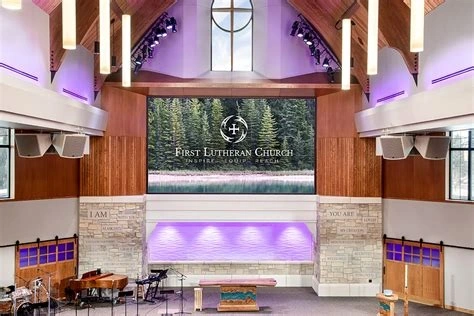
The most straightforward configuration: LED panels mounted directly against the rear wall of the sanctuary stage, forming a single flat display surface behind the pulpit.
Technical requirements:
- Cabinets must support front maintenance access — service from the front means no access corridor is needed behind the wall
- Mounting hardware should be direct L-bracket or a lightweight aluminum frame; a full freestanding steel structure is unnecessary if the wall bears the load
- Panel depth matters: thinner cabinets (under 40mm profile) preserve stage depth for choir seating, baptismal pools, and musical equipment. An ultra-slim profile like the U-DM series at 32mm can mount nearly flush against drywall, preserving every centimeter of stage depth
Best for: Sanctuaries with fixed seating layouts and limited stage depth; churches upgrading from a single projector screen to a cleaner, more visible display.
Pattern B: Curved or Wraparound Backdrop
A concave curve or partial wrap creates a sense of immersion that a flat wall cannot match. The congregation sees a continuous visual field that gently wraps toward the sides of the sanctuary.
Technical requirements:
- Cabinets must support angle-adjustable interlocking — typically ±5° to ±15° between adjacent units
- Curvature increases pixel density requirements slightly at the outer edges, but for sanctuary viewing distances this is rarely a limiting factor
- Content must be rendered or mapped to account for the curve, otherwise straight lines will appear bent. Most modern video processors handle this with geometry correction built in
Best for: Contemporary worship spaces with wider than typical sanctuaries; churches aiming for a high-production visual presence.
Pattern C: Split Three-Zone Backdrop
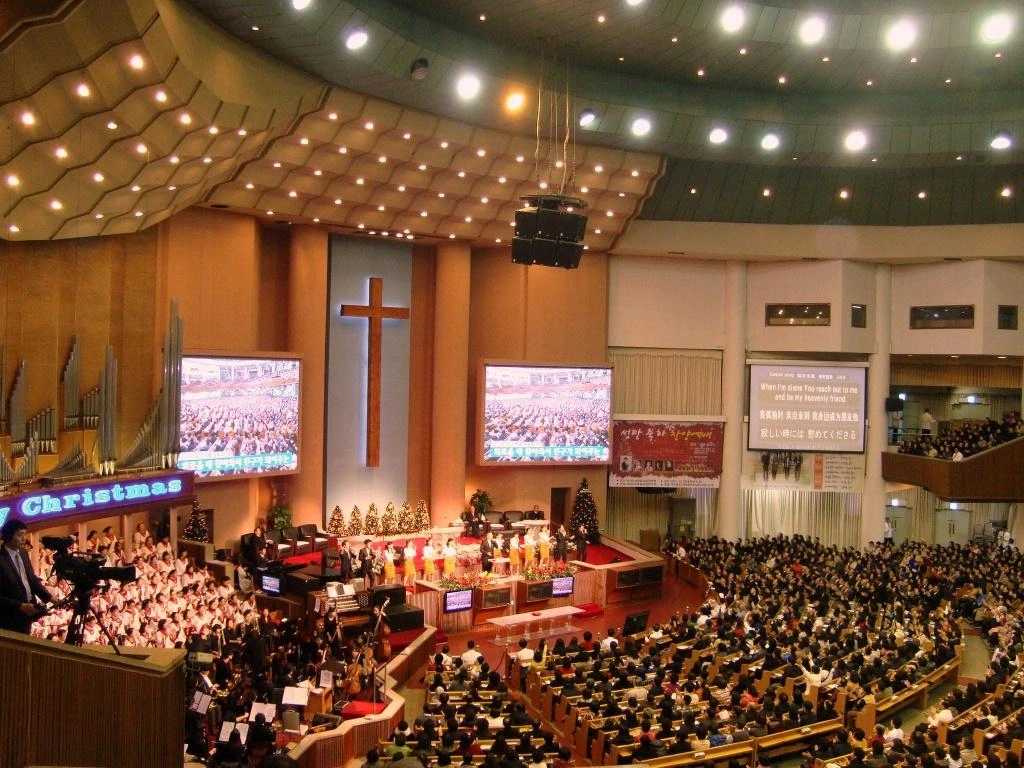
Three independent LED panels — center stage (the largest), plus a smaller panel on each side — each displaying different content simultaneously. The center might show lyrics and sermon points while the sides show ambient motion graphics, scripture references, or live camera feeds.
Technical requirements:
- A video processor capable of multi-zone output is mandatory — a single-channel HDMI feed will not achieve independent content across three panels
- The three panels do not need identical pixel pitch; the center panel benefits from a finer pitch for text readability, while the side panels, displaying primarily motion backgrounds, can use a coarser pitch without visible quality loss
- Cabling and signal distribution must be planned for three independent zones, not one contiguous surface
Best for: Mid-size to large sanctuaries with a dedicated media production team; churches that want to layer information visually without cluttering a single screen.
Pattern D: Seasonal Reconfiguration — Floor-Stacked or Flown
Some churches use the same LED panels in different configurations depending on the season: a tall vertical portrait layout for Christmas and Easter pageants, a wide landscape configuration for weekly worship, and a ground-stacked array for outdoor events.
Technical requirements:
- Cabinets must be lightweight enough for a small volunteer crew to reposition — die-cast aluminum cabinets at 10–12kg per unit are practical; steel-frame cabinets at 18kg+ are not. A 500×1000mm panel like the U-Rent series at approximately 11.5kg can be handled by one person without assistance
- A ground-stack frame or flown truss mounting system must support both vertical and horizontal orientations
- Power and data connections must be robust enough to survive frequent reconnection — locking connectors rather than friction-fit
Best for: Churches that run large-scale seasonal productions; multi-use sanctuaries that host both worship services and community events.
2. Pixel Pitch: Matching Resolution to Viewing Distance
The most consequential technical decision for a church backdrop is pixel pitch. A pitch tighter than necessary adds cost with zero visible benefit; a pitch too coarse makes text unreadable from the front pews.
General rule: pixel pitch in millimeters × 1 meter ≈ minimum comfortable viewing distance. A P2.0 display looks sharp from 2 meters. A P3.9 display looks sharp from roughly 4 meters. Beyond 3× the pitch, individual pixels disappear and the image appears seamless regardless.
For sanctuary-specific recommendations:
| Sanctuary Size | Typical Front-Row Distance | Recommended Pixel Pitch | Why |
| Small (under 200 seats) | 1.5–3m | P1.5–P2.0 | Front pew is close; text on a P3+ panel will show visible pixel structure |
| Medium (200–600 seats) | 3–5m | P2.0–P2.5 | Text sharp at first-row distance; motion backgrounds seamless |
| Large (600–1,200 seats) | 5–10m | P2.5–P3.9 | Distance masks pixel structure; finer pitch adds cost without visible gain |
| Mega (1,200+ seats) | 8m+ | P3.9–P4.8 | Viewing distance is forgiving; budget can shift toward larger total screen area instead |
If the same LED wall serves as both a backdrop and a lyrics/sermon note display, prioritize text readability at the closest viewing distance over background motion smoothness. A coarse pitch that makes scripture references blurry undermines the primary function.
3. Brightness: Balancing Screen Output Against Stage Lighting
Church sanctuaries present a tricky brightness challenge: stage lighting points toward the congregation, not the backdrop, but the ambient light from windows, chandeliers, and house lighting still competes with the screen.
Indoor sanctuary target: 600–1,200 nits of calibrated brightness. Higher than 1,200 nits becomes uncomfortably bright in a dimmed worship environment and washes out skin tones in any live camera feeds shown on the backdrop. Lower than 600 nits becomes hard to read when house lights are raised during the sermon.
Practical calibration consideration: Most LED panels ship with brightness set to their factory maximum. In a sanctuary, this is almost always too bright. Budget for calibration — either performed by the installer or learned by the church media team — to dial brightness down to sanctuary-appropriate levels. An uncalibrated panel running at 2,000 nits in a dimmed worship space is visually aggressive rather than immersive.
Mixed lighting environments: If the sanctuary has floor-to-ceiling windows that flood morning services with daylight but evening services are fully dimmed, the system must handle both conditions. Choose panels with brightness adjustable through the control software (not via manual potentiometers on the power supply) so the media team can switch between morning and evening profiles without touching hardware.
4. Fixed vs. Seasonal: Choosing Your Installation Mode
Fixed Installations
A wall-mounted LED backdrop that stays in place year-round. Installation is a one-time structural project; content changes are the only ongoing work.
When it makes sense:
- The sanctuary has no competing use for the stage area
- The church runs a consistent worship format and does not need to clear the stage between services
- The wall behind the stage can support the panel weight without additional steel reinforcement
Content approach: A fixed backdrop benefits from a curated library of motion backgrounds organized by liturgical season — Advent, Christmas, Lent, Easter, Pentecost, and Ordinary Time. The hardware does not move; the visuals do the work of seasonal differentiation.
Reconfigurable Installations
LED panels mounted on mobile frames or flown from truss, allowing the backdrop to be rearranged, expanded, or stored between events.
When it makes sense:
- The sanctuary hosts weddings, funerals, community meetings, and youth events with different stage layouts
- Seasonal productions (Christmas pageant, Easter play, Vacation Bible School) require a completely different backdrop geometry than Sunday worship
- The building is shared with a school or community group that uses the same hall
Content approach: A reconfigurable system needs content designed for multiple aspect ratios and orientations. A video rendered for a 16:9 landscape backdrop will not work on a vertical portrait configuration. Budget for content production or a media volunteer skilled in aspect-ratio adaptation.
5. Content Management for Seasonal Backdrops
Most churches change their sanctuary visuals throughout the year to match the church calendar. An LED backdrop makes this easier because you change the digital content rather than physical decorations — but you need the content prepared ahead of time.
Four types of content most churches need:
- Lyrics and sermon slides. The most frequently used content. Needs a clean, high-contrast design that remains readable against any motion background.
- Seasonal motion backgrounds. Visual packs for Advent, Christmas, Lent, Easter, and Pentecost. Used annually, so investing in quality production pays off over multiple years.
- Sermon series graphics. Title cards and theme visuals for each sermon series (typically 4–8 weeks). These can be produced in-house by a volunteer with basic motion graphics skills.
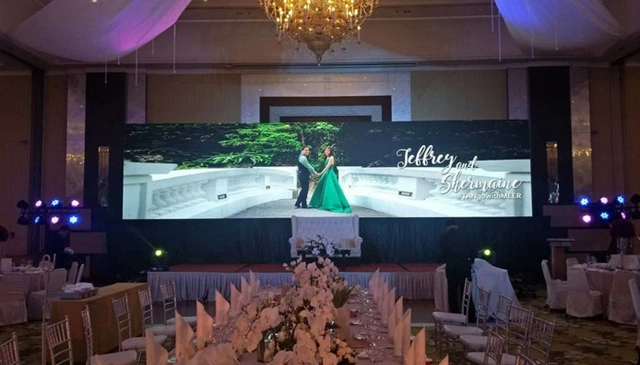
- Event graphics. Welcome screens, wedding greetings, funeral service backgrounds, youth camp logos. One-off but essential.
The LED control system should integrate with the worship presentation software the church already uses — ProPresenter, EasyWorship, or Planning Center. A system that requires a separate operator and computer adds complexity that volunteer teams find difficult to sustain week over week.
6. Common Mistakes When Selecting a Church Backdrop Display
Choosing pixel pitch based on budget, not viewing distance. A P3.9 panel in a small sanctuary where the front pew is 2 meters away will show individual pixels during lyrics display. Measure the closest viewing distance first, then pick the coarsest pitch that stays sharp at that distance. Start with the distance, not the price.
Ignoring fan noise. Many commercial LED cabinets use active cooling fans. Across a large display surface, this produces a collective hum. In a sanctuary, that noise competes with quiet prayer and spoken word. Specify fanless, passive-cooled cabinets rated below 40dB.
Overlooking front maintenance access. If the backdrop is mounted flush against a wall with no rear access, every service call requires removing the entire screen from its mount. Cabinets with magnetic front-access modules let a single volunteer swap a failed panel in under a minute without dismantling the wall.
Not preparing content before installation. A library of motion backgrounds and seasonal content takes time to produce. Budget for content production or train a media volunteer before the screen arrives — not after it is installed.
7. Conclusion
Choosing an led screen for church backdrop decoration involves five technical decisions: layout pattern, pixel pitch for your viewing distance, brightness calibrated to your sanctuary lighting, fixed or reconfigurable installation, and content management for seasonal rotation. Each decision depends on the others — a curved layout and a reconfigurable mounting system, for example, both require cabinets that support angle adjustment and frequent repositioning. Measure your sanctuary dimensions, front-row distance, and seasonal calendar first. The hardware spec follows from those numbers.
FAQ
Q1: What is the best pixel pitch for a church backdrop?
For small sanctuaries (front row under 3m from screen): P1.5–P2.0. For medium sanctuaries (3–5m): P2.0–P2.5. For large sanctuaries (5m+): P2.5–P3.9. The right pitch is always determined by the closest viewing distance, not the screen size.
Q2: How do churches manage content for different seasons and events?
Most churches use worship presentation software (ProPresenter, EasyWorship) to manage content. Motion backgrounds are organized by season (Advent, Christmas, Lent, Easter) and swapped out on schedule. For churches without a media team, pre-built content packs are available from third-party providers.
Q3: Can a church LED backdrop be used outdoors for events?
Only if the panels are rated for outdoor use (IP65 front protection). Standard indoor panels will fail under rain or condensation. If outdoor use is planned, specify outdoor-rated cabinets from the start rather than attempting to weatherproof indoor panels.
Q4: How long does a church LED backdrop installation take?
A typical wall-mounted installation in a mid-size sanctuary takes 2–5 working days for mounting, cabling, calibration, and content testing. Structural engineering review of the mounting wall may add 1–2 weeks before installation begins.