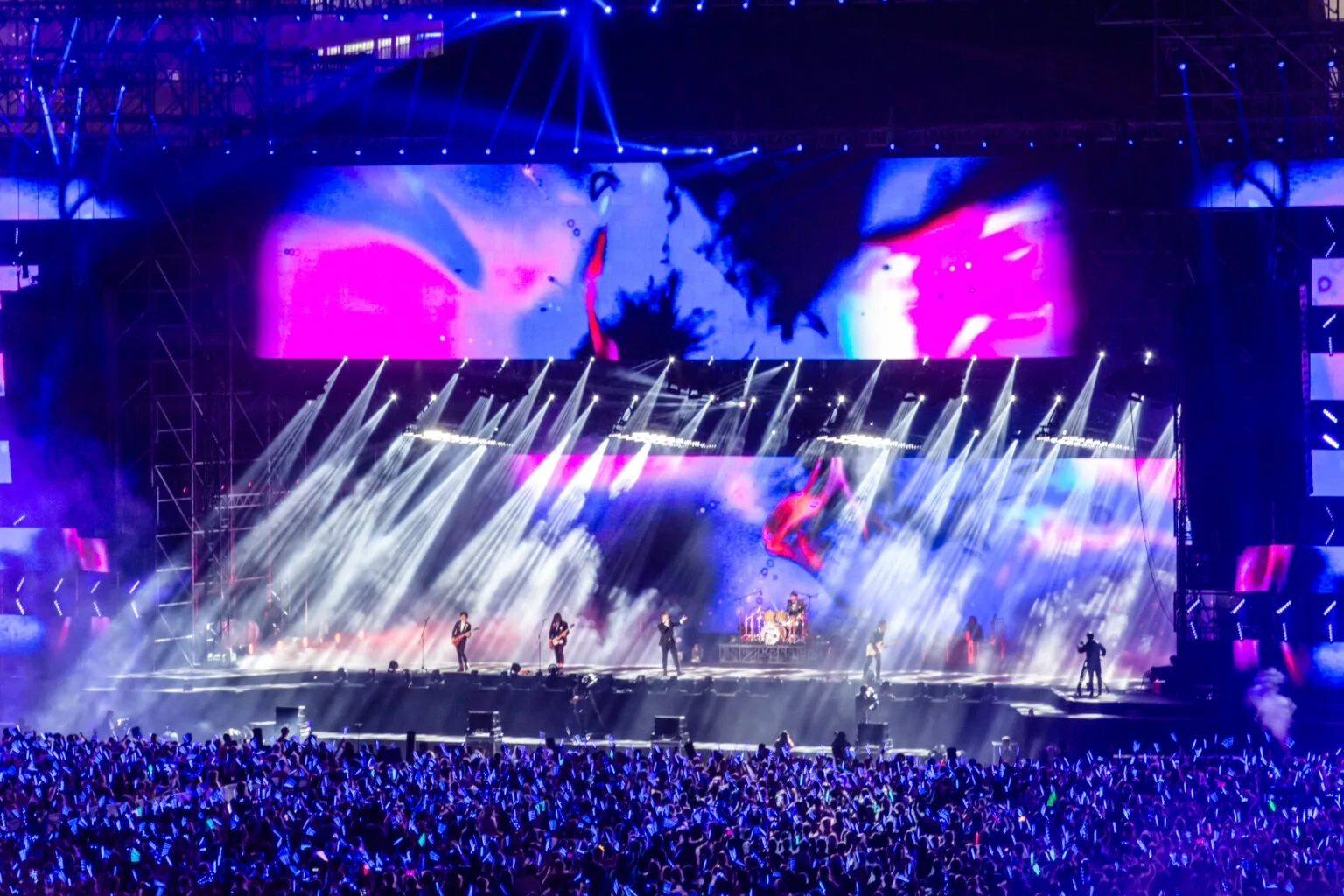
Whether you are an AV production company running weekly events, a house of worship upgrading from a projector, or a corporate team planning quarterly product launches, the same question comes up: should you rent a portable video wall for each event, or invest in owning one? There is no universal right answer — but there is a clear way to think through the decision based on how often you use it, what kind of events you run, and what your cost structure looks like.
1. The Two Cost Structures, Side by Side
Renting and buying produce fundamentally different cost profiles over time. Understanding the structure of each — not a specific dollar amount, but what you are paying for and when — is the first step.
Renting: Pay Per Use
When you source an outdoor led screen rental or indoor portable led wall for a single event, your cost is tied directly to the booking. You pay for the screen hours you use, plus delivery, setup labor, and a technician if needed. The per-event cost is higher than the equivalent amortized ownership cost — but you have zero capital outlay, zero storage responsibility, and zero maintenance burden.
Rental pricing is typically structured around screen size, pixel pitch, and event duration. A weekend trade show booth costs less than a month-long festival installation. A P2.6 indoor led screen for stage rental costs more per day than a P3.9 outdoor equivalent because the finer pixel pitch commands a higher rental rate.
Buying: Own the Asset
When you purchase led video wall panels outright, you absorb the full hardware cost upfront, plus flight cases, a spare parts kit, and a control system. After that, your per-use cost drops to transportation labor, on-site crew, and routine maintenance — which, spread across enough events, becomes significantly cheaper per event than renting.
The tradeoff is that the screen sits in storage between events, and you are responsible for every repair, calibration, and firmware update. An owned portable video wall is an asset that needs management, not a service you consume.
2. When Renting Makes More Sense
Renting is the better option when your usage pattern falls into one of these categories:
You run fewer than 8–10 events per year. Below a certain threshold of annual usage, the per-event rental premium is smaller than the carrying cost of owning hardware — storage space, insurance, depreciation, and the time your team spends maintaining equipment between jobs.
Your events vary significantly in spec. One client needs a fine-pitch indoor display for a product launch. The next needs a high-brightness outdoor screen for a festival stage. Owning one screen locks you into one spec; renting lets you match the hardware to each gig.
You are testing a new market or service line. Many AV companies rent screen rentals for events for the first season of offering LED walls as a service. Once the demand pattern proves itself, they buy. Renting de-risks the experiment.
You do not have warehouse space or a maintenance team. A mobile video wall in storage needs climate control, periodic power-on testing, and secure racking. If your operation does not have this infrastructure, the rental provider absorbs that cost.
What to verify with any rental provider:
- Are the panels pre-calibrated before delivery, or do you calibrate on site?
- What pixel pitch options are available for different venue types?
- Is a technician included in the quote, or is labor separate?
- What happens if a panel fails mid-event — is a replacement on standby?
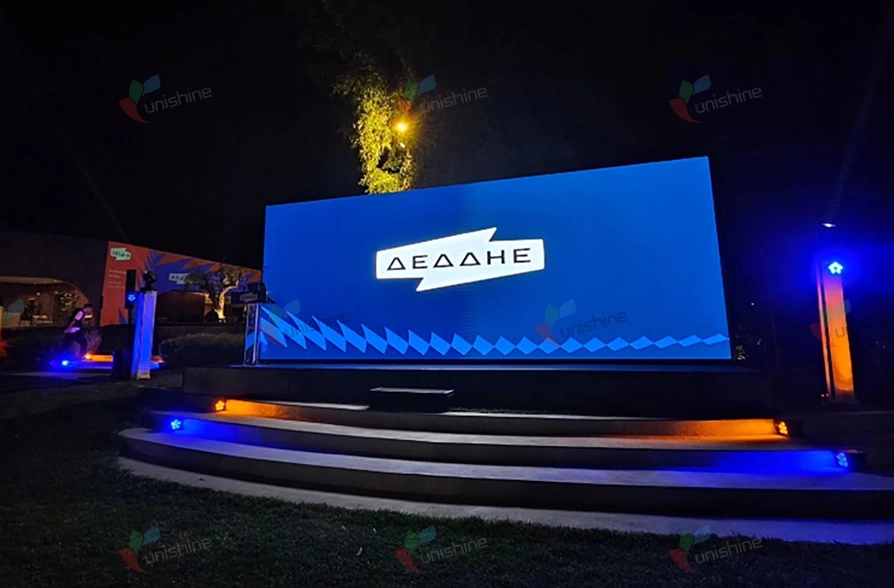
3. When Buying Makes More Sense
Buying becomes the financially better choice when:
You run events weekly or multiple times per month. At high usage frequency, the per-event cost of renting exceeds the amortized monthly cost of ownership — hardware depreciation, storage, and maintenance combined. If you decide to buy led video wall hardware, most led screen rental business operators reach this crossover point within 12–18 months of consistent bookings.
Your events use the same spec repeatedly. If your core business is corporate conferences in hotel ballrooms, you need the same indoor P2.6–P3.9 display for every job. Buying one system that matches your standard use case eliminates the spec-variation benefit of renting.
You want to build a rental fleet as a revenue stream. Owning multiple portable led video wall systems allows you to rent them out to other production companies when you are not using them. The hardware becomes an income-generating asset rather than a cost center.
You can handle logistics and maintenance in-house. If you already have a warehouse, a technician, and a transport vehicle, the marginal cost of adding LED panels to your existing operations is low. The rental premium you avoid each month goes directly to your bottom line.
What to budget for beyond the panels:
- Flight cases with custom foam inserts — protecting cabinets during transport is not optional
- A spare parts kit — replacement modules, a power supply or two, and an extra receiving card
- A professional control system — media server, video processor, and sending cards sized for your total pixel count
- Calibration equipment and training — color and brightness drift over time and need periodic correction
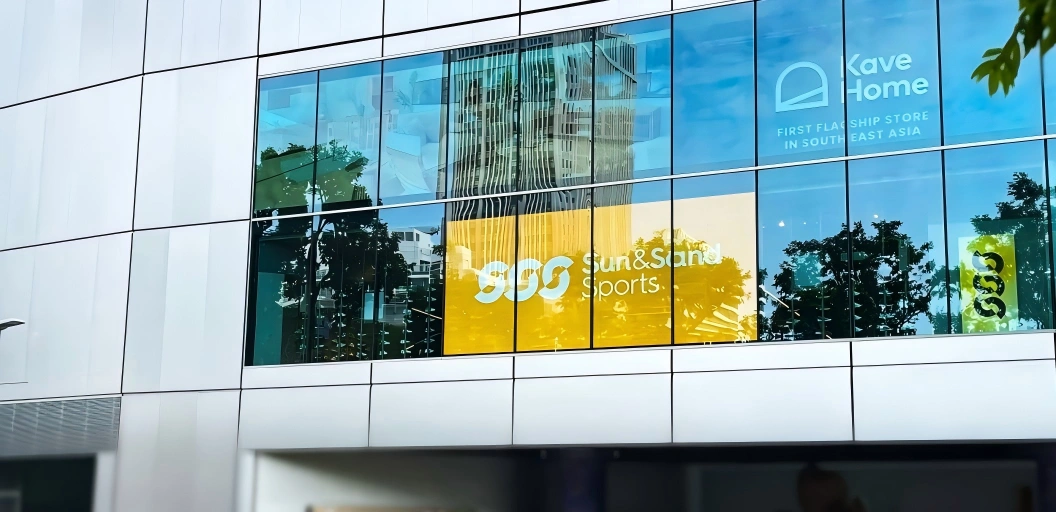
4. What to Look for in Hardware, Regardless of Rent vs. Buy
Whether you are evaluating a rental quote or comparing purchase options from a rental led display manufacturer, the hardware criteria are the same. A portable video wall lives a harder life than a fixed installation — it gets packed, transported, unpacked, assembled, and disassembled on a weekly cycle. The hardware that survives this routine has specific design features.
Cabinet Weight and Handling
Every kilogram in the cabinet matters when your crew lifts it in and out of flight cases multiple times a week. Die-cast aluminum cabinets weigh significantly less than steel-frame alternatives, and models with integrated handles and magnetic alignment pins reduce both setup time and crew fatigue. For rental-heavy applications, U-RENT cabinets at 500×1000mm and under 12kg per unit are designed for this exact workflow — one person can handle a cabinet safely without a second set of hands.
Module Serviceability
When an LED module fails during an event — and eventually, one will — swapping it must take seconds, not minutes, and must not require tools. Magnetic front-access modules allow a technician to pull the damaged unit and snap in a replacement without disrupting the rest of the wall. This is not a luxury feature for portable use; it is a show-saver.
Connection Reliability
The data and power connections between cabinets are the most common failure point in portable systems. Cabinets designed for touring use locking connectors (not friction-fit), and some manufacturers pre-wire the internal signal path so that the only external connections are power and a single data cable per cabinet column. Fewer exposed connectors mean fewer points of failure during load-in.
Pixel Pitch for Your Primary Use Case
Matching pixel pitch to your typical venue size is the most direct way to avoid overpaying:
| Primary Venue Type | Typical Viewing Distance | Recommended Pixel Pitch |
| Trade show booth, small conference room | 3–6 meters | P1.9–P2.6 |
| Ballroom, mid-size auditorium | 6–12 meters | P2.6–P3.9 |
| Outdoor festival stage, large venue | 10–30 meters | P3.9–P5.9 |
Buying a finer pitch than your venues require adds hardware cost without visible improvement. For a portable system that moves between different venue sizes, a mid-range pitch like P2.6 or P2.9 often covers the broadest set of use cases.
Transport Protection
Flight cases with shock-absorbing foam interiors are not an accessory — they are part of the hardware investment. Cabinets that stack efficiently inside cases reduce both the number of cases and the truck space required, directly lowering logistics costs for touring operations. For smaller setups — a trade show booth or a corporate lobby — ultra-compact portable systems like the U-BOX series eliminate the need for separate flight cases entirely, with the cabinet doubling as its own transport enclosure.
5. Making the Decision: A Practical Checklist
Run through these questions before committing either way:
- How many events per year will this screen be used? Under 10: lean rent. Over 20: lean buy.
- Do your events use the same spec (same pixel pitch, same screen size)? If yes, buying one system works. If no, renting per event gives you flexibility.
- Do you have storage and maintenance capacity? No warehouse or tech team: rent.
- Is this a short-term experiment or a permanent service line? Testing the market: rent. Proven demand: buy.
- What does your per-event rental cost look like over 12 months? Add it up. Compare against the hardware investment amortized over a realistic lifespan. At some crossover point, buying wins.
6. Conclusion
The rent vs. buy decision for a portable video wall comes down to usage frequency and operational readiness. Low frequency, varied specs, or no logistics infrastructure points toward renting. High frequency, consistent specs, and in-house operations points toward buying — and potentially building a rental led display fleet that generates revenue beyond your own events. Either way, the hardware evaluation criteria are the same: cabinet weight, module serviceability, connection reliability, and the right pixel pitch for the venues you actually work in.
FAQ
Q1: What is a portable video wall?
A portable video wall is an LED display system designed for frequent assembly, disassembly, and transport. Unlike a permanently installed LED wall, portable systems use lightweight cabinets, quick-lock mechanisms, and flight cases to support touring, event production, and multi-venue use.
Q2:How many events per year justify buying over renting?
As a general guideline, if you run more than 15–20 events per year using the same screen specification, the amortized hardware cost per event falls below typical rental rates. The exact crossover depends on local rental pricing and your internal logistics costs.
Q3: What pixel pitch is best for a portable video wall?
For the broadest range of indoor venues (conferences, trade shows, ballrooms), P2.6–P2.9 is a versatile mid-range pitch. For mixed indoor/outdoor use, P3.9 is common. The right pitch is always determined by the closest viewing distance in your typical venue.
Q4: What accessories should I budget for with a portable system?
Flight cases, a spare parts kit (replacement modules, power supplies, receiving cards), a professional video processor and media server, and calibration tools. These are not optional for reliable portable operation.
Q5:Does cabinet weight really matter?
Yes — for portable use specifically, cabinet weight directly affects crew fatigue, setup time, and transport costs. Die-cast aluminum cabinets at 10–12kg per unit allow single-person handling, which reduces labor costs over the life of the system.